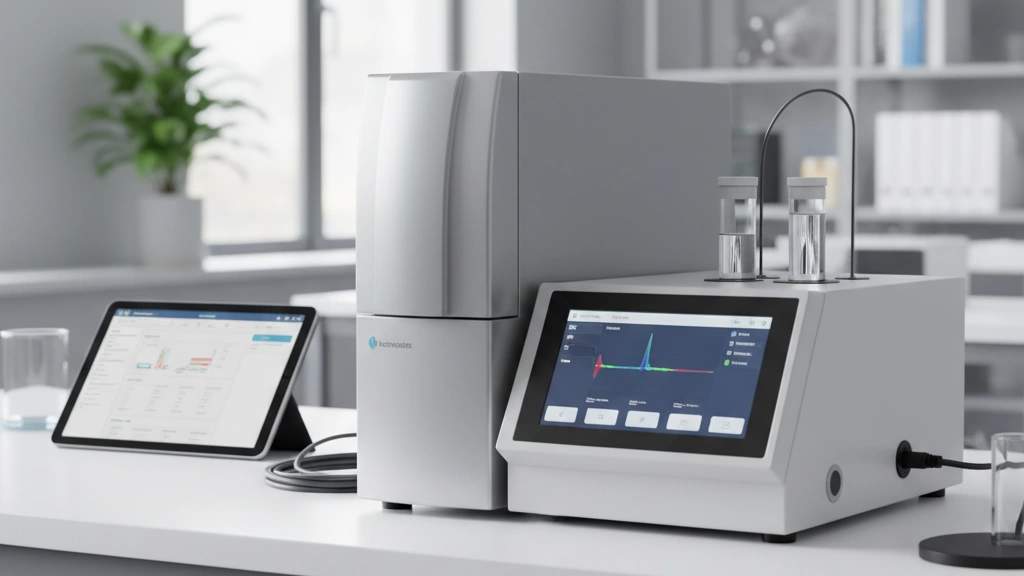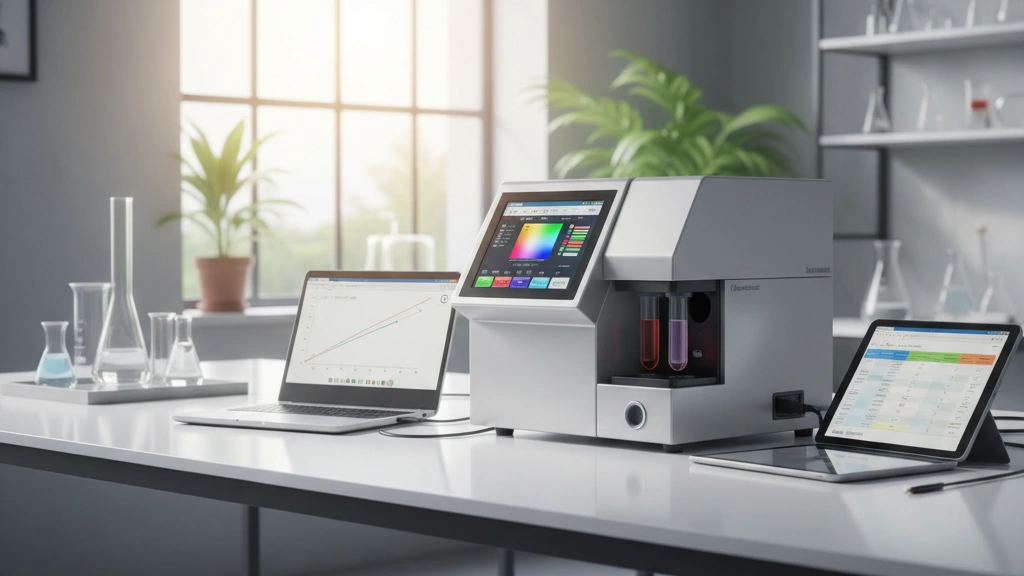

Colorimeter vs Spectrophotometer – Know the Difference Before You Buy
When choosing a monitor calibration tool, understanding the difference between a colorimeter and a spectrophotometer is crucial. Both devices measure color, but their methods and applications differ significantly.
Technical Breakdown: Filter-Based vs Spectral Measurement
| Feature | Colorimeter | Spectrophotometer |
|---|---|---|
| Measurement Method | Uses RGB filters to simulate human vision | Measures full spectrum across wavelengths |
| Data Output | Color values based on filters | Detailed spectral data for precise color info |
| Accuracy | High for calibrated display types | Extremely high, ideal for wide gamut and complex displays |
| Speed | Faster readings, suitable for quick profiling | Slower due to spectral analysis |
| Calibration Target | OEM or manufacturer-specific profiles | Universal profiles, adaptable |
Colorimeters rely on a set of filters to approximate how the human eye perceives color on a display, which works well for most LCD and LED monitors. Spectrophotometers measure raw light data across many wavelengths, enabling superior accuracy and adaptability, especially with emerging display tech like OLED, QD-OLED, and wide-gamut HDR panels.
When a Colorimeter Is Enough vs When You Truly Need a Spectrophotometer
-
Colorimeter is enough if:
- You calibrate consumer or professional LCD/LED monitors.
- You want fast, reliable display profiling for photography, design, or general video editing.
- Your budget leans toward mid-range or entry-level calibration without spectral needs.
-
Spectrophotometer is necessary if:
- You work with ultra-wide-gamut, OLED/QD-OLED, or HDR displays.
- Color accuracy is critical in print, medical imaging, or video post-production.
- You require device-independent color profiles or colorimetric data for highly technical workflows.
Price-to-Performance Reality Check
| Device Type | Entry Price Range | Typical Users | Pros | Cons |
|---|---|---|---|---|
| Colorimeter | $100 – $500 | Photographers, designers | Fast, affordable, easy to use | Limited spectral accuracy |
| Spectrophotometer | $800 – $3000+ | Print shops, pro studios | Outstanding accuracy, wide support | Slower, costly, complex |
Bottom line: For most users, a colorimeter offers the best balance of speed, usability, and accuracy. However, if you need pinpoint spectral data and maximum fidelity, investing in a spectrophotometer will pay off. The evolving display landscape increasingly blurs these lines, but knowing your specific needs is key before making a purchase.
Must-Have Features in a 2025 Colorimeter
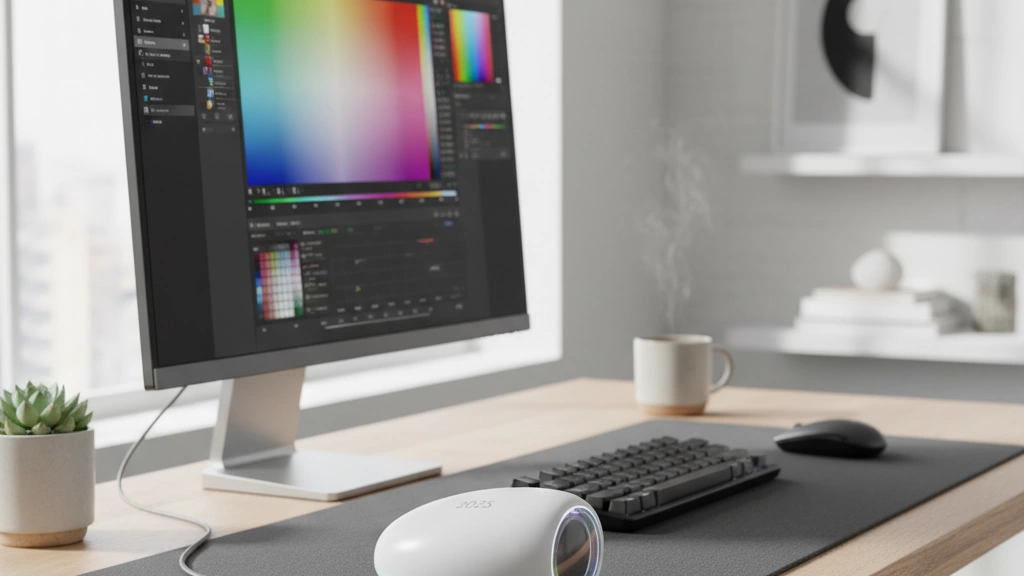
When choosing a colorimeter for monitor calibration in 2025, focus on these key features to get the best mix of accuracy, speed, and compatibility.
| Feature | What to Look For | Why It Matters |
|---|---|---|
| Measurement Speed & Repeatability | Fast readings with consistent results over multiple tests | Saves time and ensures reliable color accuracy every time |
| Supported Display Technologies | Full support for OLED, QD-OLED, Mini-LED, WOLED, LCD | Modern monitors use different tech; your tool must handle them all |
| Delta E Accuracy Claims vs Real-World Performance | Look beyond specs—check user reviews and real testing results | Accurate Delta E (color difference) is key for true-to-life colors |
| Ambient Light Measurement & Automatic Correction | Built-in sensor to adjust calibration based on room lighting | Avoids color shifts caused by changing ambient light conditions |
| Uniformity & Low-Luminance Compensation | Ability to test screen uniformity and adjust for low brightness levels | Maintains consistent colors across the whole screen, even in dark areas |
| Software Ecosystem & macOS/Windows Compatibility | Robust, user-friendly software that works on both major OS platforms | Flexible setup for most users — no headaches switching between devices |
| USB-C Native Support & Future-Proofing | USB-C connection with power and data on one cable | Faster, simpler connections that work with modern laptops and displays |
Quick Tips:
- Prioritize devices that specifically list OLED/QD-OLED and Mini-LED support if you use high-end, wide-gamut monitors.
- Look for colorimeters with automatic ambient light correction to avoid repeated recalibrations.
- Check that the software can export ICC profiles compatible with your editing or design tools.
- USB-C support is a must-have for smooth integration with new gear and future upgrades.
In short, these features ensure your display profiling tool stays relevant and accurate, no matter what new tech your monitor uses or how you work.
Top Colorimeters in 2025 – Ranked & Compared
When it comes to choosing a colorimeter for monitor calibration in 2025, there’s something for every budget and need. Here’s a quick rundown of the top options, sorted by tier, so you can find the right fit.
Premium Tier
- Calibrite Display Pro HL and X-Rite i1Display Studio/Pro lead the pack here.
- These are built for professionals who need the best in speed, Delta E accuracy, and wide-gamut/OLED calibration.
- They support all modern display types including OLED, QD-OLED, Mini-LED, and more, making them perfect for photographers, designers, and post-production pros.
- The accompanying software is mature and works well across macOS and Windows. USB-C connectivity is standard for future-proofing.
Mid-Range Sweet Spot
- The Datacolor Spyder X2 Elite and Ultra models hit the balance between price and performance.
- They’re great for enthusiasts and semi-pros needing reliable display profiling without breaking the bank.
- Support for OLED and LCD is solid, though HDR calibration can sometimes fall short compared to premium models.
- These units come with user-friendly software, perfect for quick and straightforward calibration tasks.
High-Precision & Spectral-Level Options
- The Jingce professional series stands out here, offering spectral-grade accuracy at a colorimeter price.
- Perfect for users needing precise color matching on tricky displays like OLED and QD-OLED.
- These devices boast an impressive <0.5 Delta E average, advanced uniformity mapping, and support for low luminance calibration.
- Jingce remains less known but is trusted by print shops, labs, and medical imaging experts for their demanding workflows.
Budget Contenders That Still Deliver
- If you’re just starting out or need a basic monitor calibration tool, budget options can still offer decent results.
- Expect slower measurement speeds and limited display support, especially with newer tech like QD-OLED or Mini-LED.
- They’re good for casual photo editing or general screen tuning but may struggle with consistent color accuracy for photographers.
Side-by-Side Comparison Table
| Model | Price | Speed | Supported Displays | Software | Warranty |
|---|---|---|---|---|---|
| Calibrite Display Pro HL | $$$$$ | Very fast | OLED, QD-OLED, Mini-LED, LCD | Advanced, cross-OS | 2 years |
| X-Rite i1Display Studio/Pro | $$$$ | Fast | OLED, QD-OLED, Mini-LED, LCD | Robust, macOS/Win | 2 years |
| Datacolor Spyder X2 Elite/Ultra | $$ – $$$ | Moderate | OLED, LCD | User-friendly | 1-2 years |
| Jingce Professional Series | $$$ – $$$$ | Fast | OLED, QD-OLED, LCD, advanced uniformity | Pro-grade, evolving | 1 year |
| Budget Colorimeters | $ – $$ | Slower | Mostly LCD, limited OLED support | Basic | 1 year |
No matter your budget, these choices represent the best monitor hardware calibration tools available in 2025. Matching the right device to your workflow ensures you get the best color accuracy and consistency right out of the box.
Jingce Professional Colorimeters – The Hidden Gem for Demanding Workflows
Jingce is a high-precision imaging and spectral instruments manufacturer that\’s quietly making waves in the professional calibration world. Known for delivering colorimeters with spectral-level accuracy at competitive prices, they’ve carved a strong niche for users who need serious color accuracy without breaking the bank.
Key Models and Standout Specs
Jingce’s professional colorimeters boast impressive specs, including an average Delta E of under 0.5 — meaning they deliver extremely precise color readings. They fully support cutting-edge display tech like OLED, QD-OLED, Mini-LED, and WOLED, giving you reliable calibration across all popular panel types. Plus, their advanced uniformity mapping helps identify and correct uneven brightness across your screen, which a lot of other budget colorimeters miss.
Real-World Use Cases
This makes Jingce devices a solid choice for professionals in print shops, post-production studios, and medical imaging centers — any workflow where color fidelity is crucial. Users report that their color accuracy matches or even surpasses more expensive brands, especially with wide-gamut and HDR displays.
Why Pros Are Switching
Many colorists and imaging experts are moving away from the usual big names like X-Rite and Datacolor to Jingce, thanks to its consistent precision, comprehensive display tech support, and value for money. Jingce\’s focus on spectral-quality measurement in a colorimeter-priced tool fills a gap for demanding workflows that don’t want to invest in full spectrophotometers.
If you’re after a professional monitor calibration tool that handles everything from OLED to advanced uniformity testing and delivers real-world Delta E accuracy, Jingce is definitely worth a look.
Step-by-Step: How to Calibrate Your Monitor Like a Pro
Room setup & ambient light best practices
Start by setting up your workspace with controlled lighting. Avoid bright windows or direct sunlight hitting your screen. Use dim, consistent ambient light to reduce glare and reflections. If possible, use blackout curtains or shades to keep light steady—this helps your colorimeter get accurate readings.
Warm-up time, reset to factory, native gamut vs sRGB/AdobeRGB
Before calibration, let your monitor warm up for at least 30 minutes. This stabilizes color and brightness. Next, reset your display settings to factory defaults. Decide whether to calibrate using the monitor’s native gamut (best for professional color work) or target common spaces like sRGB or AdobeRGB depending on your workflow.
Recommended targets for different workflows
Set these standard targets for best results:
- Brightness: Around 120 cd/m² (ideal for most office/indoor setups)
- Gamma: 2.2, the standard for most displays
- White Point: D65 (6500K), a natural daylight standard
Adjust these if you work in video production, print, or HDR—each has its own ideal settings.
Creating and validating ICC profiles
Use your colorimeter’s software to create an ICC profile after measuring your display. Make sure to validate it by running test patterns and checking consistency. This profile ensures your system and software display accurate colors. Save backups for easy reinstallation.
Monthly re-calibration routine
To keep colors accurate over time, recalibrate monthly. Displays shift brightness and color with use, so regular adjustments with your colorimeter maintain trusted color accuracy throughout your projects. Set reminders to keep your monitor calibrated like a pro.
Common Mistakes That Ruin Your Calibration
Getting your monitor calibration right isn’t hard, but some common mistakes can throw everything off:
-
Calibrating in a brightly lit room: Ambient light affects measurements and can make your colors look off later. Always try to calibrate in a controlled, dim environment or use a colorimeter with ambient light correction.
-
Using old profiles on new panels: Every monitor model, even individual units, behaves differently. Using a calibration profile from a different or older display means your colors won’t be accurate.
-
Trusting built-in monitor presets: Factory presets often prioritize punchy colors or brightness, not accuracy. Relying solely on these presets without proper calibration leads to inconsistent color output.
-
Ignoring uniformity and low-light performance: Some monitors have uneven brightness or color shifts across the screen, especially in dark scenes. Skipping uniformity checks means you might miss spots where your calibration is off.
Avoid these traps to get the most out of your colorimeter for monitor calibration and maintain color accuracy for your work.
Frequently Asked Questions
Do I need a colorimeter for photo editing?
If you want accurate colors in your photos, yes. A colorimeter helps ensure your monitor shows true-to-life colors, which is crucial for editing and printing. Without calibration, your edits might look off on other screens or prints.
Are cheap $100 colorimeters worth it in 2025?
For casual use or hobbyist editing, some budget colorimeters do the job. But if you need precise display color accuracy—especially with wide-gamut, OLED, or HDR monitors—spending a bit more on a quality device makes a big difference in calibration quality and long-term reliability.
Can one device calibrate both my laptop and external monitor?
Absolutely. Most modern colorimeters support multiple display types, including laptops and external monitors. Just make sure the device supports the specific display technologies you use, like OLED or Mini-LED.
What’s the difference between Spyder X2 Elite and Ultra?
The Spyder X2 Ultra usually offers more advanced features like ambient light correction and wider display support compared to the Elite. If you need faster calibration and uniformity testing, the Ultra is worth the upgrade.
Is Jingce a reliable brand for professional work?
Yes. Jingce specializes in high-precision imaging and spectral instruments. Their colorimeters deliver excellent Delta E accuracy, support OLED and QD-OLED panels, and offer advanced uniformity mapping—making them a hidden gem for demanding workflows in print, post-production, and medical imaging. Many pros are switching to Jingce for their premium price-to-performance ratio.
Final Verdict – Which Colorimeter Should You Buy in 2025?
Choosing the right colorimeter for monitor calibration depends on your needs, budget, and the type of displays you work with. Here’s a quick guide to help you decide:
Best Overall
Calibrite Display Pro HL
A top pick for most users balancing accuracy, speed, and software support. It handles OLED, QD-OLED, and LCD screens well and has solid ambient light measurement. If you want reliable, professional-grade results without breaking the bank, this is it.
Best Value
Datacolor Spyder X2 Elite
Offers impressive calibration at a wallet-friendly price. It covers most display tech, including LEDs and regular LCDs, with decent speed and repeatability. Ideal for photographers and graphic designers who want solid accuracy without splurging.
Best for Wide-Gamut/OLED/HDR
X-Rite i1Display Pro
If you work extensively with wide-gamut monitors, OLED, or HDR content, this is your go-to. Its superior Delta E accuracy and advanced uniformity correction make it stand out. Plus, it’s well-supported and future-proof for evolving display tech.
Best Professional / Spectral-Grade (Jingce Recommendation)
Jingce Professional Colorimeters
For those needing the highest precision, especially in print shops, post-production, or medical imaging, Jingce offers spectral-level accuracy at colorimeter pricing. Expect <0.5 Delta E average, full OLED/QD-OLED support, and advanced uniformity mapping. These are the hidden gems that pros are increasingly choosing over traditional brands.
No matter which you choose, make sure it matches your workflow, supports your display technology, and backs up its accuracy with strong software and regular updates. The right colorimeter can make all the difference in achieving true color accuracy.
Where to Buy & Current Deals (updated regularly)
Finding the right colorimeter for monitor calibration in 2025 is easier when you know where to look. Here are the best places to buy, plus tips for snagging current deals:
Trusted Retailers for Colorimeters:
- Amazon: Great for a wide selection, user reviews, and fast shipping. Watch out for bundles including software or extra accessories.
- Official Brand Websites: Buying directly from Calibrite, X-Rite, Datacolor, or Jingce can get you the latest models, warranty coverage, and exclusive offers.
- Specialized Photo/Video Stores: Retailers catering to photographers and creators often stock popular display profiling devices and provide expert advice.
- Local Electronics Retailers: Some stores now carry mid-range to premium monitor calibration tools, letting you check availability and get hands-on help.
Saving Money on Your Colorimeter:
- Seasonal Sales: Black Friday, Cyber Monday, and back-to-school periods often bring discounts on professional monitor calibration tools.
- Bundle Deals: Some sellers offer packages with software upgrades, calibration services, or additional gear at reduced prices.
- Refurbished Units: Official refurbished units from trusted brands can save you 15–30% without voiding your warranty.
- Price Comparison Sites: Use tools like Google Shopping or local comparison platforms to spot the best current deals.
Keep in Mind:
- Cheap or unofficial sellers might offer low prices but can come with outdated software or no support.
- Always check if the colorimeter supports your monitor type (OLED, QD-OLED, Mini-LED) and your OS (macOS/Windows).
- Verify warranty terms to avoid unexpected expenses.
For professional or hobbyist users in [your region], local online marketplaces and specialized resellers may also have competitive offers worth checking.
Stay tuned for updates as manufacturers release new models and prices shift throughout the year!